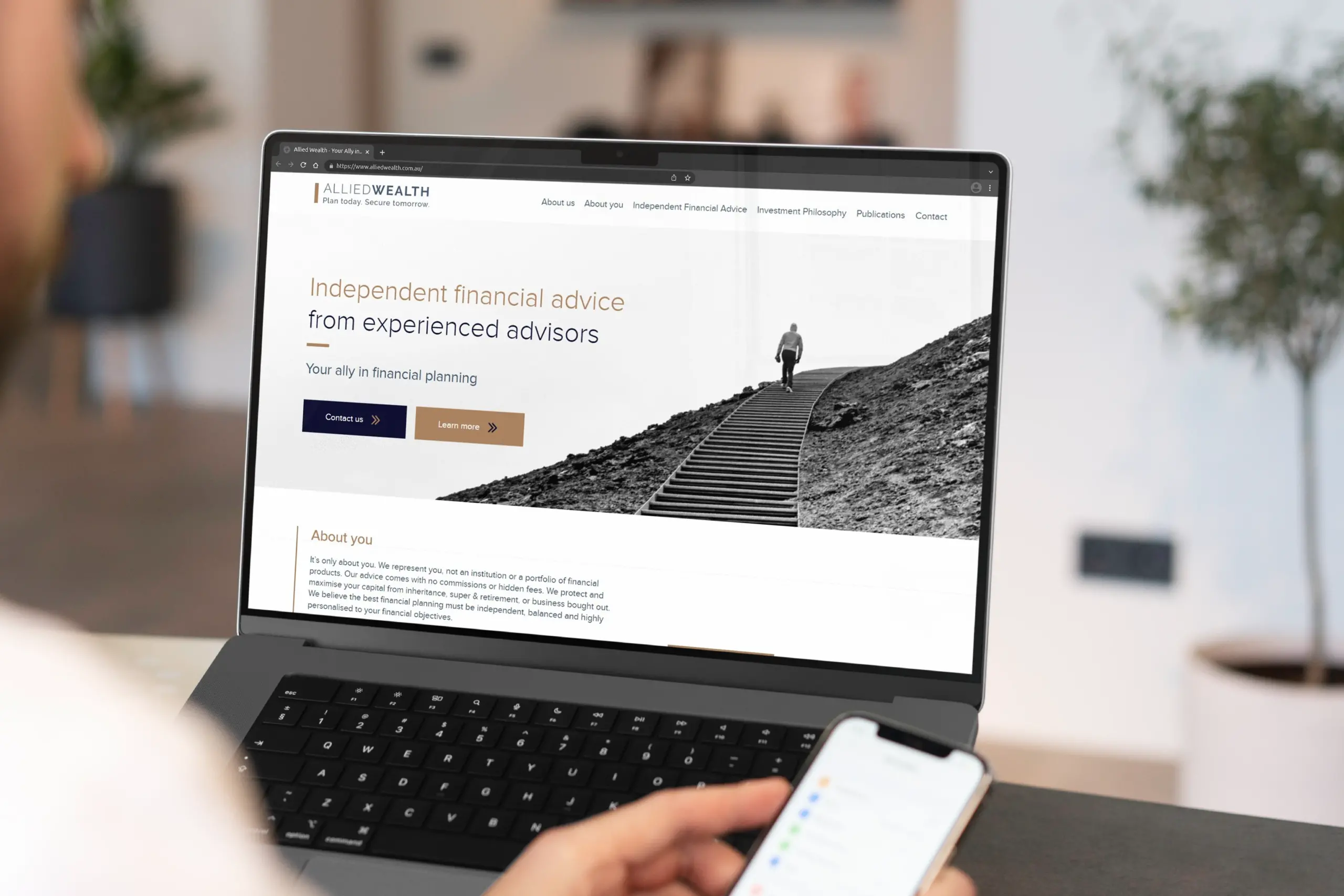
Local SEO for small businesses comes down to two things working together: your Google Business Profile and your website. The profile is what people see in Google Search and Maps, and the website is where they check the details and decide to call. When both say the same thing, clearly and consistently, you make it easier for Google and for customers to trust what they find.
How local SEO for small businesses works
Google says its local results are based mainly on three things: relevance, distance and prominence. Relevance is how well your business matches what someone searched for. Distance is how far you are from the person searching, or from the place they named. Prominence is how well known and well regarded your business is, which Google judges from information across the web, including reviews and links.
You can’t move your business closer to every customer, and nobody can promise you a spot in the map results. What you can control is how complete, accurate and consistent your information is, what customers say about you, and how clearly your website explains what you do and where. The rest of this guide covers those parts, in the order we would tackle them.
Get the basics of your Google Business Profile right
If you haven’t claimed and verified your profile yet, start there. Then fill in every field that applies to your business, and fill it in accurately.
- Business name. Use your real-world name, the one on your sign, your invoices and your website. Adding keywords or a city to the name goes against Google’s guidelines and can get the profile suspended.
- Address or service area. If customers come to you, show your address. If you go to them, like a plumber or a house cleaner, you can hide the address and list the areas you serve instead.
- Hours. Keep your regular hours current and add special hours for holidays, so nobody drives over to a locked door.
- Phone and website. Use a number that reaches your business directly, and link to the page on your site that best matches the profile.
- Description, services and photos. Explain what you do in plain words, list your main services, and add real photos of your work, your team and your place.
Choose your categories carefully
Your primary category tells Google what kind of business you are. Choose the most specific one that describes your main business: Mexican restaurant says more than Restaurant.
Additional categories are for other things you genuinely do, not for every search you’d like to show up in. A bakery that also caters can add a catering category; a bakery that once made a wedding cake probably shouldn’t. Review your categories every so often, because Google adds and changes them over time, and make sure your website has a page for each main category you choose.
Keep your name, address and phone identical everywhere
Your name, address and phone, often shortened to NAP, should read the same on your website, your Google Business Profile and every other listing: Apple Business Connect, Bing Places, Facebook, Yelp, directories for your industry and your local chamber of commerce. Small differences count too, like an old suite number, a phone line you no longer use, or Street on one site and St. on another. When the details match, it is easier for Google to recognize that all those listings belong to one business, and customers don’t end up calling a number nobody answers.
The simplest way to keep it consistent is to write one master version and copy it exactly everywhere. If you move or change numbers, update the website and the profile first, then work through the other listings one by one. If you also serve customers in Spanish, keep the business name and address exactly the same in both languages: translate the description, not the details.
Ask for reviews honestly, and answer every one
Reviews help customers decide, and they are part of how Google judges prominence. The honest way to get more of them is simple: ask every customer, at the moment they are happiest with the work, and make it easy. Your profile gives you a short link to the review form that you can send by text or email, print on a receipt or put on a card.
What you must not do matters just as much:
- Never buy reviews or pay anyone to write them.
- Don’t offer discounts, gifts or entries into a prize draw in exchange for a review.
- Don’t ask only the customers you expect to be happy, don’t review your own business, and don’t ask staff or family to do it for you.
All of these go against Google’s policies, and Google can remove those reviews or restrict your profile. In the US, the Federal Trade Commission (FTC) also treats fake reviews as deceptive.
Then reply to reviews, the good ones and the bad ones. Thank people by name and mention the job when you can. Answer a bad review calmly, once, with the facts and an offer to put things right. If a customer writes in Spanish, reply in Spanish.
Give each service its own page
Your profile can say you offer a service, but your website is where you explain it. A separate page for each main service gives Google something specific to match to a search, and gives customers the answers they need before they call.
A good service page says what the service is, who it is for, what it usually involves and where you offer it, naming the areas you actually serve in plain words. Add photos of real jobs, answers to the questions people ask on the phone, prices or starting prices if you can share them, and one clear next step.
Avoid the shortcut of copying one page many times and swapping the town name. Google treats near-identical pages made only to catch searches as spam, and they don’t help customers either. If you truly serve several areas, write about each one with something real to say: the jobs you do there, how quickly you can get there, what is different about working there.
Make your contact and location details easy to find
Once someone finds you, your website should make reaching you the easiest thing on the page. Put your phone number in the header, as a link that dials from a phone. Show your full name, address and phone in the footer of every page, written exactly as on your profile, and give them a proper contact page with your hours, a map and any notes about parking or how to find the entrance.
Behind the scenes, add LocalBusiness structured data: a short block of code that states your name, address, phone and hours in a format search engines read directly. It doesn’t replace the visible information; it confirms it. Finally, check that the website link on your profile goes to the right page, and that the page loads quickly on a phone.
What to expect, and where we can help
Local SEO is steady work, not a switch you flip. Results depend on things you control, like the steps in this guide, and things you don’t, like exactly where each person is searching from and what your competitors do. Be wary of anyone who guarantees a spot in the map results. Your profile shows how many people called you, asked for directions or clicked through to your website, and those figures are a better guide than checking your position on any given day.
If you would rather have help, every site we build includes technical SEO, and our Growth website package, at $8,500, adds local SEO pages and a blog. We also set up Google Business Profiles for $350, and our Growth care plan includes a monthly SEO and analytics report. You can see all of it on our pricing page. If you’re not sure where to start, our free 20-minute diagnostic reviews your site’s speed, its technical SEO basics and how easy it is to contact you, and we tell you what we would fix first.